Appointment scheduling that fits your day.
Set your hours, leave breathing room between appointments, and let clients choose from the times that work for you.
Make room for the way you work.
Weekly availability
Give clients times that work for you.
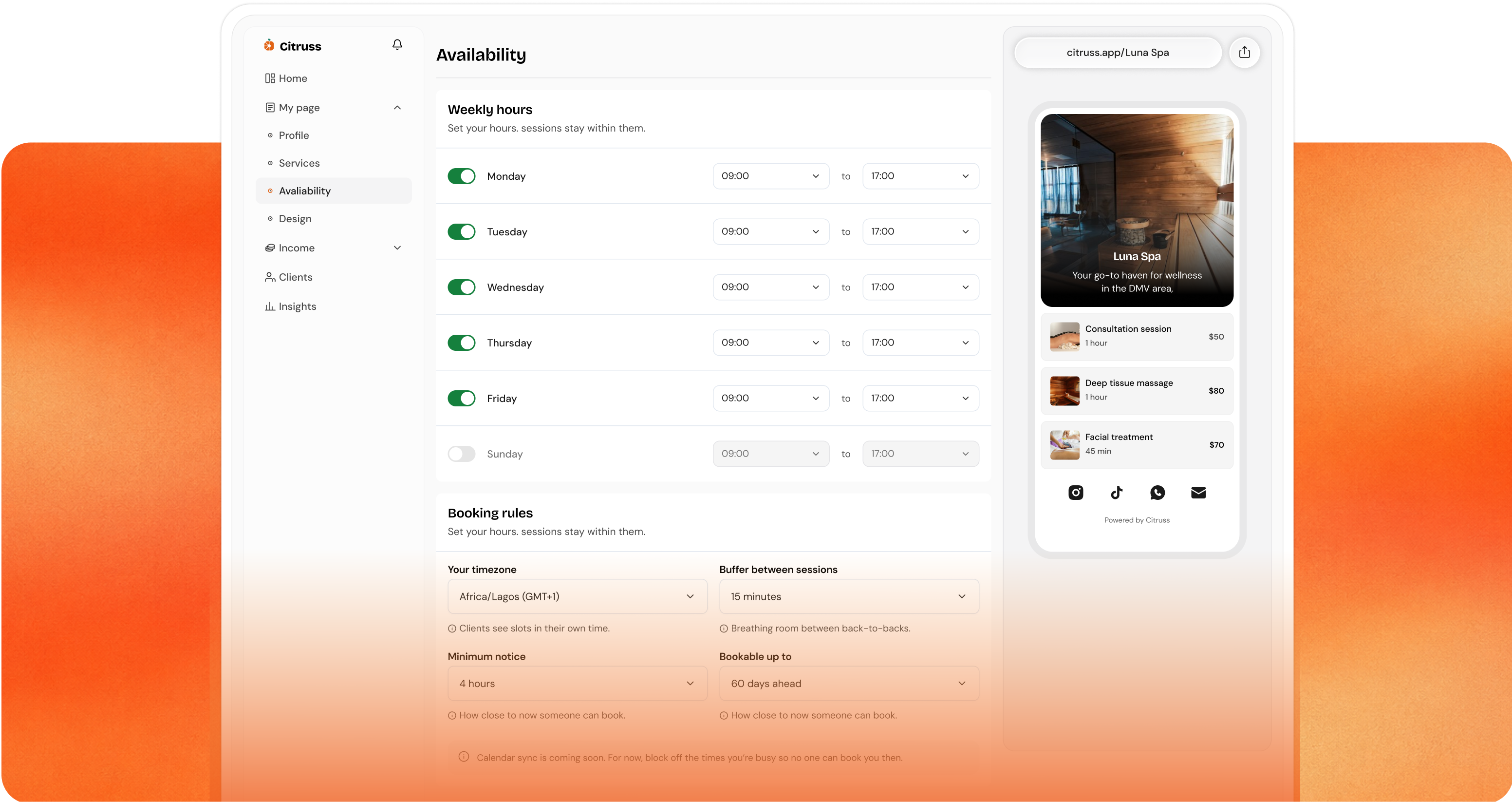
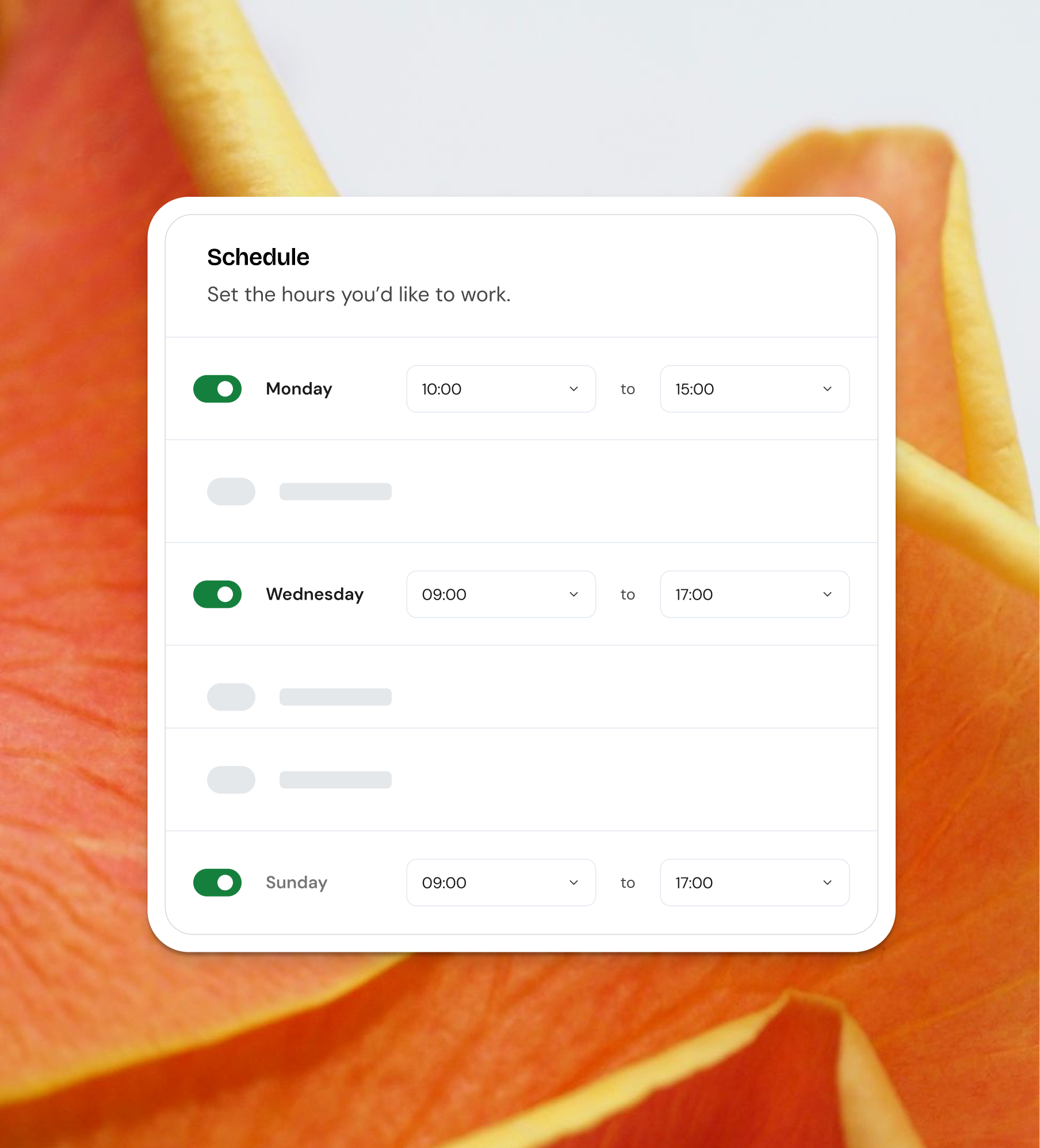
Choose the days you work and the hours you take appointments. Citruss shows clients available slots with enough time for the service they choose. Update your weekly schedule as your working hours change, while clients continue to book from your link.

Appointment buffers
Leave room to get ready for your next client.
Add time between appointments for preparation, travel, or a break. That time stays unavailable for booking, so clients cannot fill the gaps you need. Build a schedule that allows you to finish one appointment and get ready for the next.

Booking notice & advance limits
Give yourself time to plan ahead.
Decide how soon a client can book and how far into the future your calendar opens. Set the notice you need to prepare, and limit advance bookings to the period you’re ready to offer. Clients see times within those limits.
Plan the day. Keep your team in step.
Bring everyone’s availability together, so each appointment has its place and each team member knows what’s ahead.


Keep booked time protected.
Once a slot is booked, it is no longer offered to another client. Your available times stay up to date.

Give everyone their own hours.
Set working hours and assign services for each team member, so bookings match the person doing the work.

Let clients choose their person.
Clients can book with a specific team member or choose a time based on who is available.